Log in

I am a student
New to YouHue? Ask your teacher for help

I am an educator
Don’t have an account? Sign up
Printables, guides, letters home and short videos. All free.
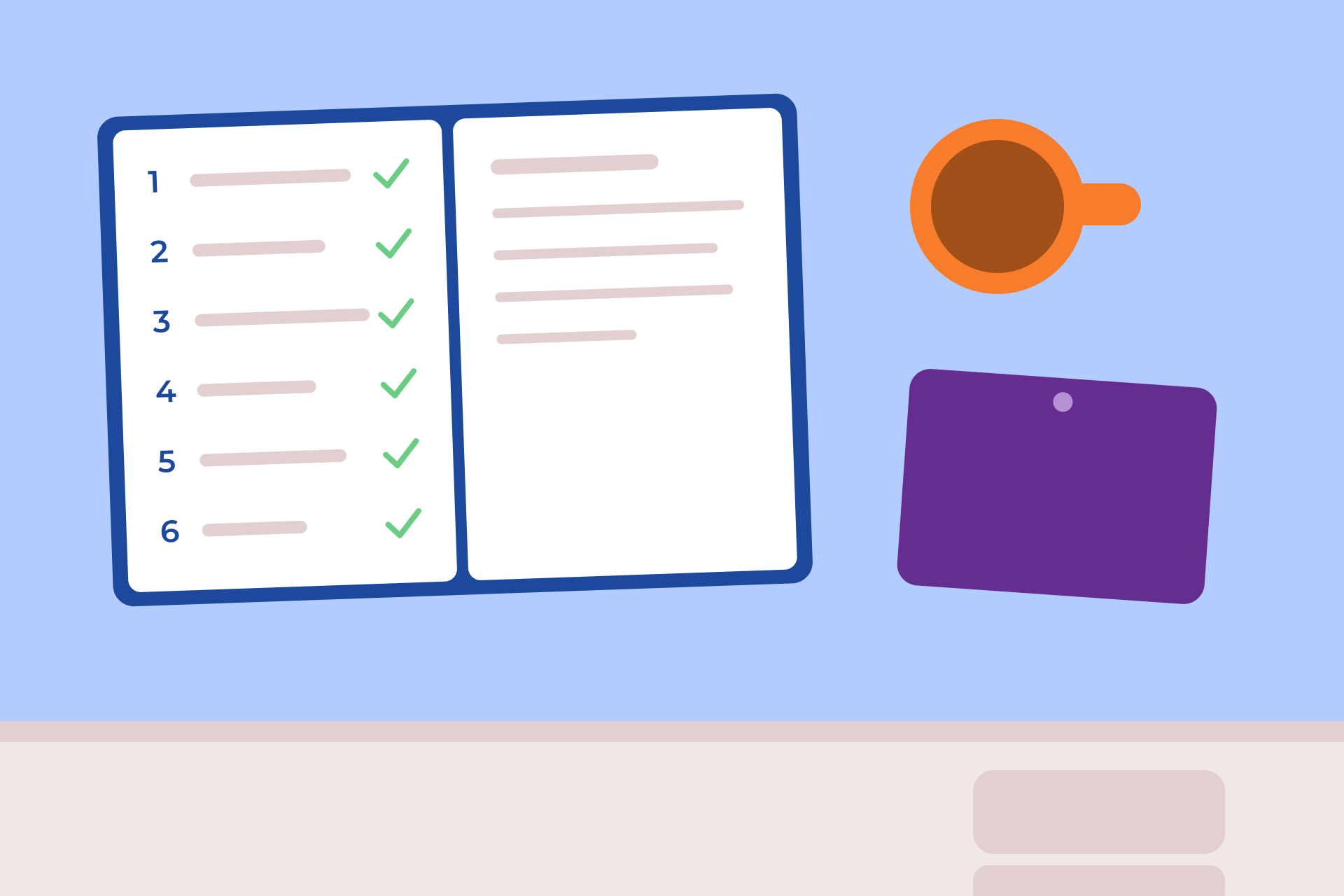
A one-page guide to running the daily check-in, from setting a time to saying something back, with the common situations.
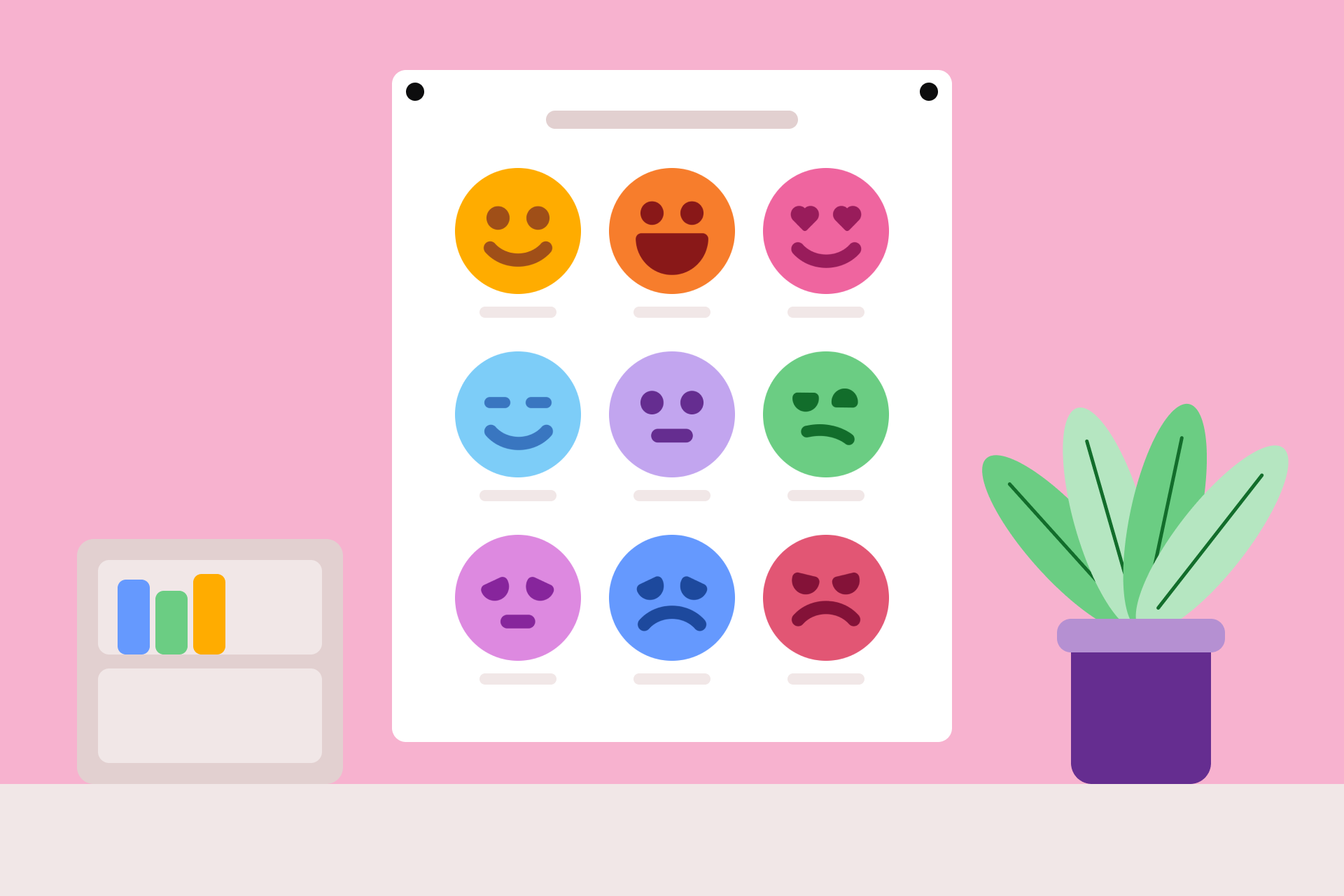
A one-page reference for Standard classes, to read up close. The nine feeling screens of the check-in, each with the four other feelings that share its screen in YouHue. A4 and US Letter. Page 2 is the same chart in low ink.
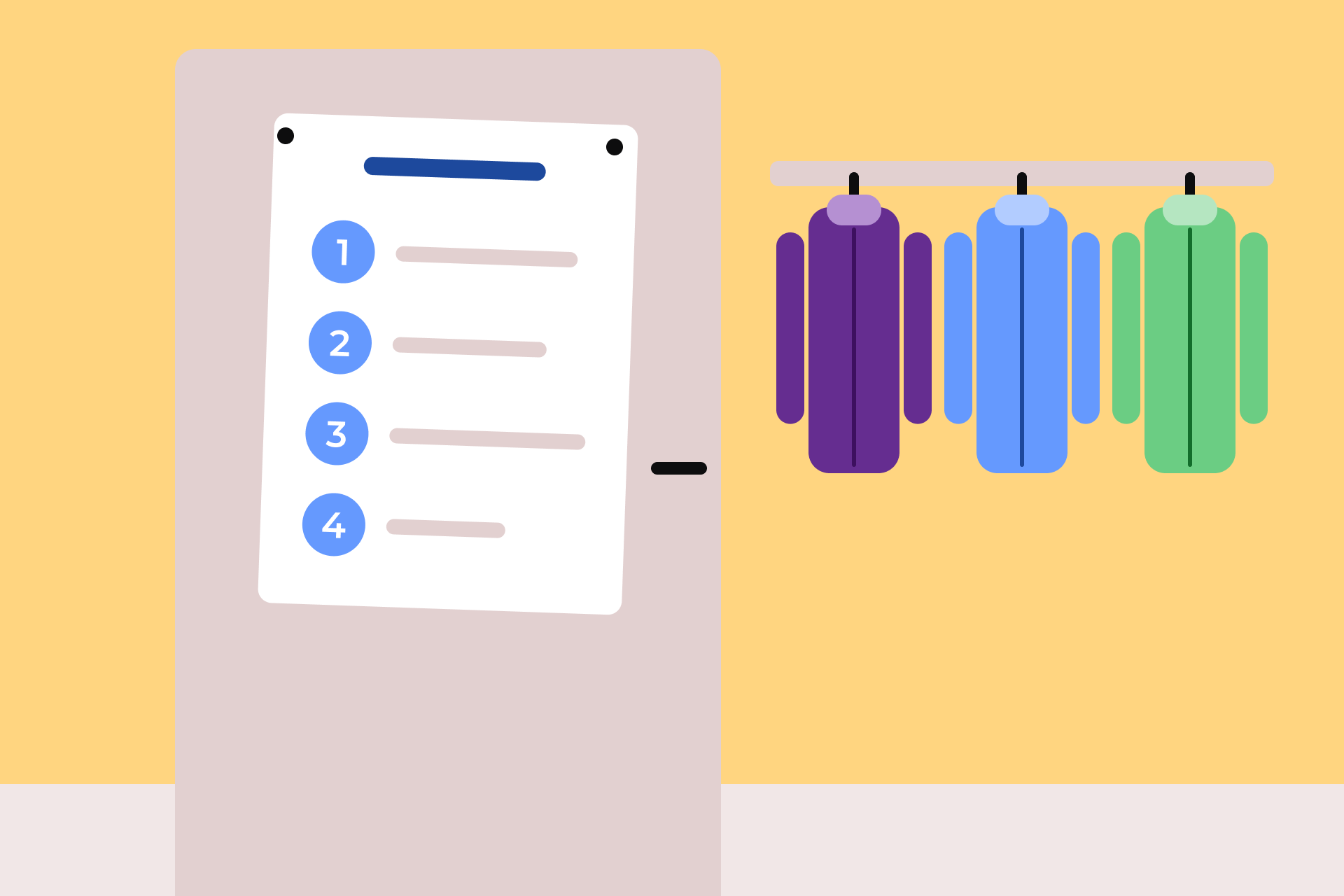
Four steps for the classroom wall: settle in, notice how you feel, check in, that's it. Four pages: Standard on page 1, Simplified on page 2, and the same two in low ink on pages 3 and 4. Print the pages your class uses.
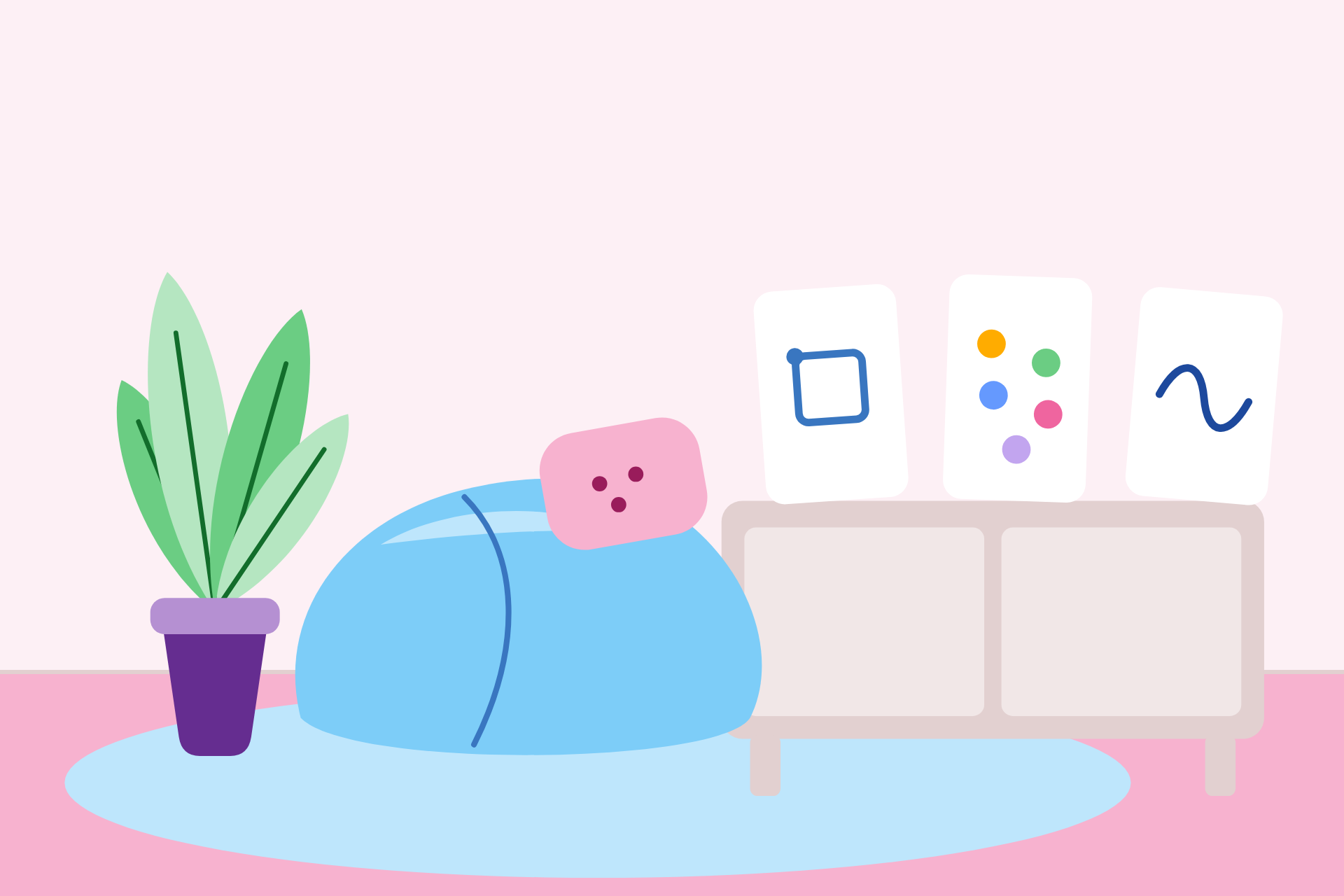
Three quick resets from the activity library as cards for the calm corner: box breathing, 5-4-3-2-1 grounding and a brain break. Ten pages: cut-apart cards, two to a sheet, then each card full page. Pages 6 to 10 are the same cards in low ink.

Questions to ask after a check-in, one to one or with the whole class, and what to do with the answer. Four pages: all the questions on one page, the 15 questions as cut-apart cards, then both again in low ink.
The Conversation starters sheet lies on a desk.
On screen: Conversation starters. For after a check-in, or any quiet moment.
On screen: Ask one, then listen.
On the sheet, one question is highlighted. The picture moves to a classroom, at the end of a check-in. Ms. Rivera comes down to the level of one child's desk, with the sheet in her hand. The child puts a tablet down and looks up.
Ms. Rivera: What's one word for how you feel right now?
On screen: Ask one, then listen.
Ms. Rivera waits for more than three seconds. Neither of them speaks. The child looks away to think, then looks back.
Child (on screen, not spoken): Tired.
A natural pause. Ms. Rivera nods. Nothing is said.
Ms. Rivera: Tired. Thanks for telling me.
On screen: Say the feeling back to them.
On screen: Thank them. Don't fix it straight away.
Ms. Rivera stays beside the desk. The child's expression softens a little.
On screen: If it fits, ask what would help.
The back of the sheet, with one question highlighted: "What would help right now, even a little?" It is shown, not spoken.
A title card separates the next example.
On screen: For the whole class (an opener, or a Topic check-in)
A classroom. The question is on the board. Children sit at their desks and some raise a hand.
On the board: What's one thing you're looking forward to this week?
On screen: If something a child says needs an adult's help, follow your school's usual steps.
The Conversation starters sheet again, then the YouHue logo.

A one-page letter to send home the week you start: what YouHue is, who sees a check-in, and how families can help. Fillable fields.

Two pages for families: why a daily check-in, what your child does, the questions children ask, and how your child's data is handled.
Nine YouHue feeling faces on a purple screen.
Your child's school uses YouHue. Here is what that means.
A fictional child sits at a classroom desk and picks up a tablet.
Each day, your child spends about a minute saying how they feel.
On the tablet, nine feeling faces. The child taps Happy, chooses the word Glad, and types: "my friend saved me a seat on the bus".
Older children pick a feeling from nine faces, and can add a few words if they want to.
A younger child's screen shows five faces. The child taps Happy, then taps one reason: "I played with my friend". Nothing is typed.
Younger children choose from five faces and tap why.
The older child taps Share. A short note appears under the YouHue name, titled "A kind start". It reads: "It feels good when a friend looks out for you. Maybe you could save a seat for someone else today too."
Then they share it, and YouHue sends a short note back: a kind word, or an idea to try.
A teacher's view shows three fictional children's check-ins: each child's feeling and their words.
Their teacher sees the feeling your child chose, and their words, so they know who might need a bit more care that day.
It's not a test, a survey or a score, and it isn't a way of watching children. Most check-ins are ordinary: tired, excited, okay.
A ring holds the child's feeling and three adult initials, for the educators and school staff. A class of coloured dots stays outside the ring.
Who sees it? The educators on your child's class, and the school staff allowed to see wellbeing information. Other students never do.
We never sell data and never show ads. Your school is in charge of its data.
A mug and a closed school bag on a table at home.
At home, ask how they felt today, then listen. Name your own feelings now and then. And don't ask to see it. The check-in is your child's.
Questions? Ask your child's teacher. There's more for families at youhue.com/resources.
The nine faces gather into the YouHue logo, with youhue.com/resources beneath it.

YouHue on one page for school leaders: what it is, how the daily check-in works, and who sees what.

How YouHue treats children's data, in plain language: what we collect, who sees it, how our AI handles it, and what we never do.
Nine YouHue feeling faces on a purple screen.
On screen: How YouHue treats a child's data
The faces gather into one, Calm. A fictional student sits at her desk and picks up her tablet. She taps the Calm face, and a few words appear beneath it in a speech bubble, shown only as lines. A dotted line joins her tablet to her check-in.
Narrator: A child checks in: a mood, maybe a few words.
On screen: A mood. A few words.
She looks up at her check-in.
Narrator: Here's how YouHue handles that information.
Her check-in flies into a school building. A line draws all the way round the school and closes on "Never sold".
Narrator: The school owns it, and we act only on its instructions. Never sold. No ads.
On screen: The school owns its data. Never sold. No ads.
A round window opens on the inside of the school: her educator and the school's pastoral lead, with her check-in between them. This part is on screen only, not spoken.
On screen: Seen by the child's educators and support staff. Never by other students.
A plain block marked with the AI sparkle stands for YouHue's AI provider; no company is named or shown. A small check-in card, carrying a code instead of a name, travels along a dotted path from the school to the block. A reply travels back to the school, and the block is left empty.
Narrator: Everything YouHue sends to our AI provider is covered by zero data retention and is not used to train its models.
On screen: No model training. Zero data retention.
A student's record. A chip showing a person and a name, the name shown only as a line, turns over to show a code. The student's words, shown as lines, stay exactly as they are. A dotted line runs from the record to the AI provider.
Narrator: Account details, like students' names, are replaced with a code before the AI sees anything.
On screen: Account details replaced by a code.
Narrator: What a student writes is sent as written, and the AI is never allowed to write a name back.
On screen: Words sent as written.
A reply comes back from the provider carrying the code, not a name.
On screen: Pseudonymised, not anonymised.
A safety alert, in a soft rose colour, appears calmly beside the school's pastoral lead, who reads it and nods. The child's words are not shown.
Narrator: Safety alerts go to the school's designated staff, who decide what to do.
On screen: Safety alerts go to the school's designated staff. They decide what to do.
Narrator: No decision about a child is made by software alone.
On screen: No decision by software alone.
A closing card.
On screen: Hosted with Amazon Web Services, United States. Encrypted in transit and at rest.
Narrator: The hardest question you have: privacy@youhue.com.
On screen: privacy@youhue.com
On screen: youhue.com/privacy
The nine faces gather into the YouHue logo on purple.
The technical overview for ICT, data protection officers and procurement: data inventory, hosting, subprocessors, retention, breach notice and agreements.

The principal, a senior teacher and their students on what the daily check-in looks like at Larrakeyah Primary School in Darwin. About three minutes.
Over the years, more than 100 schools in more than 10 countries have used YouHue.